TL;DR:
- Construction safety software has evolved from simple digital forms to proactive platforms using AI and digital twins that predict hazards and streamline compliance.
- It reduces incidents by enabling real-time data capture, hazard identification, and risk avoidance, especially in remote or complex sites.
- Proper implementation, integration, and focus on safety culture are essential for maximizing its impact in preventing accidents.
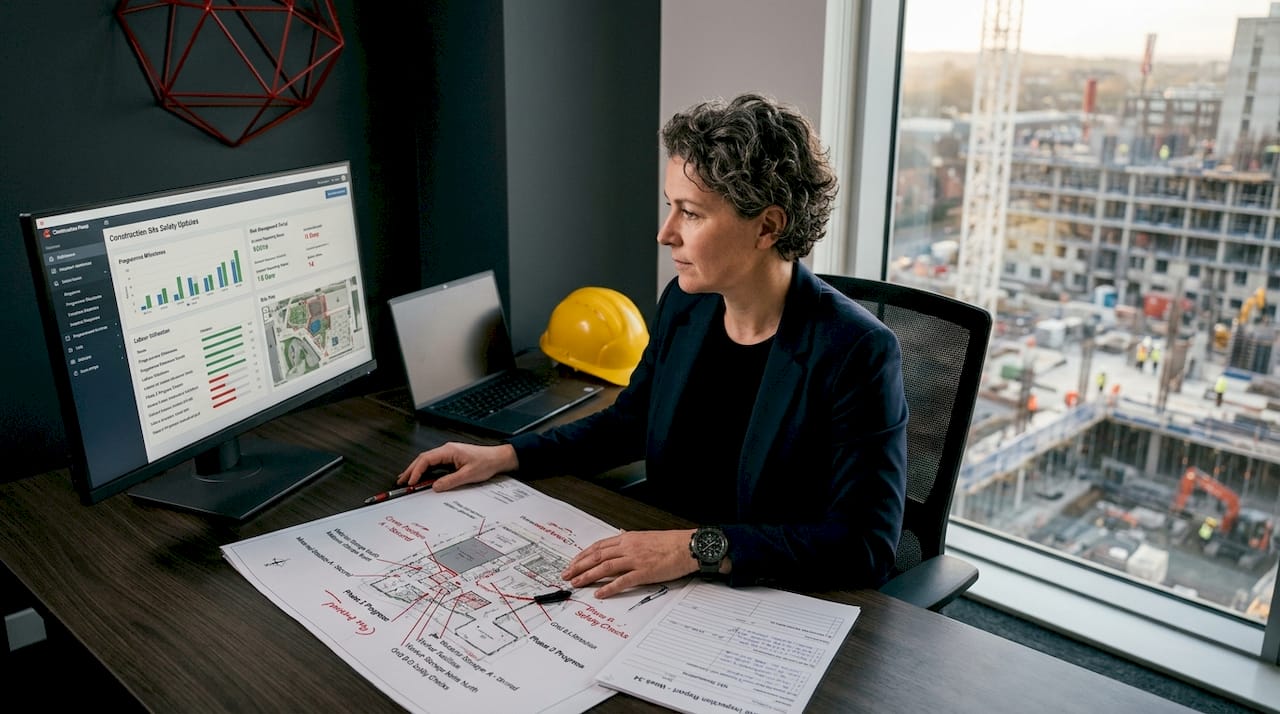
Most safety professionals underestimate what construction safety software actually does. It is not a digital filing cabinet for incident reports. The role of software in construction safety has shifted so dramatically in recent years that sites using AI-powered platforms are now cutting permit issuance time by 80% and eliminating 95% of safety data noise. That kind of performance gap between digital and manual sites is no longer a minor efficiency difference. It is a measurable difference in how many people go home unharmed.
Table of Contents
- Key takeaways
- The role of software in construction safety today
- AI and digital twins for proactive risk management
- Choosing the right construction safety platform
- Steps to a successful software rollout
- My perspective: the shift that actually matters
- How Podtech supports construction safety teams
- FAQ
Key takeaways
| Point | Details |
|---|---|
| Software is proactive, not just reactive | Modern platforms predict hazards before they occur using AI and digital twin technology. |
| Real cost savings are significant | Digital inspection tools save between $150 and $300 per inspection by removing manual paperwork. |
| Offline capability is non-negotiable | Full offline functionality is critical for remote sites where data coverage is unreliable. |
| Integration determines adoption | Software that connects with BIM and project management tools removes silos and gets used consistently. |
| Near-miss reporting improves with digital tools | Digital reporting reduces friction, which increases submission rates and signals a stronger safety culture. |
The role of software in construction safety today
What is construction safety software, exactly? In 2026, it is far more than a checklist app. A complete construction safety platform covers digital inspection forms, incident and near-miss reporting, training record management, regulatory compliance mapping, and audit trails. Each of these functions addresses a specific failure point in how sites have traditionally managed risk.
Take inspection checklists. Paper forms get left in site offices, filled in retrospectively, or lost entirely. Digital forms completed on mobile devices generate time-stamped, geo-tagged records that are searchable, shareable, and legally defensible. A supervisor completing a morning safety walk submits findings immediately. The project manager sees them in real time. There is no lag between observation and accountability.
Incident and near-miss reporting works the same way. When reporting is frictionless, workers actually do it. When it requires three forms, a trip to the site office, and a conversation with a supervisor who may or may not be available, they often do not bother. Near-miss data is among the most valuable safety intelligence you have, and digital platforms capture far more of it.
Here is what a well-built construction safety platform includes:
- Digital inspection forms with conditional logic, photo capture, and mandatory field completion
- Near-miss and incident reporting with structured fields, witness capture, and automatic escalation
- Training and certification tracking with expiry alerts and on-site verification
- Compliance mapping against OSHA, ISO 45001, or regional standards relevant to your jurisdiction
- Offline functionality so field crews can complete forms and sync later when coverage returns
Pro Tip: When evaluating any platform, test the offline mode before you commit. Some tools claim offline access but only offer read-only forms. You need full submission capability in signal-poor environments, particularly on infrastructure and civil engineering sites.
AI and digital twins for proactive risk management
This is where the technology in construction safety conversation gets genuinely interesting. Traditional software captures what has already happened. AI-enhanced platforms and digital twins start anticipating what is about to happen.
A digital twin is a virtual replica of your physical site, built from BIM data and updated continuously through IoT sensors and field inputs. As conditions on site change, the twin updates. Safety software connected to that model can then run automated checks against a library of known hazard patterns.
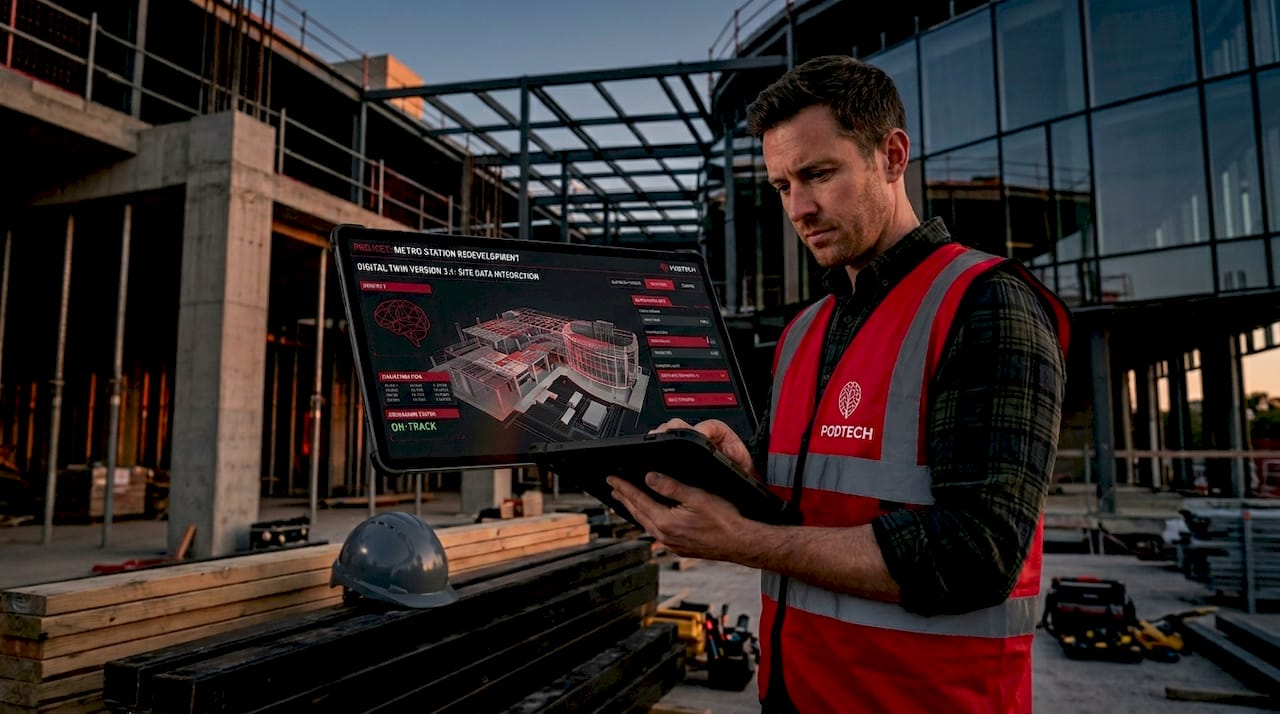
Consider a practical example. A materials delivery changes the layout of a ground floor zone, blocking an emergency exit corridor. Without a digital twin, this goes unnoticed until a supervisor spots it during a physical walk. With a connected platform, the system flags the obstruction automatically and issues an alert to the relevant site manager before anyone is put at risk. This is the difference between reactive and proactive safety management.
AI filtering compounds this further. Sites generate enormous volumes of safety-related data: sensor readings, inspection results, access logs, environmental monitors. Without intelligent filtering, most of it becomes noise. AI can surface the signals that matter and suppress the rest, making your safety team faster and more accurate. The software impact on safety in this regard is measurable. AI-filtered platforms reduce safety data noise by 95%, meaning your team spends time on actual risks rather than false positives.
Virtual reality training tied to software-based site models takes this further still. Workers can rehearse emergency procedures in a digital replica of their actual site, not a generic simulation, before they set foot on the real thing.
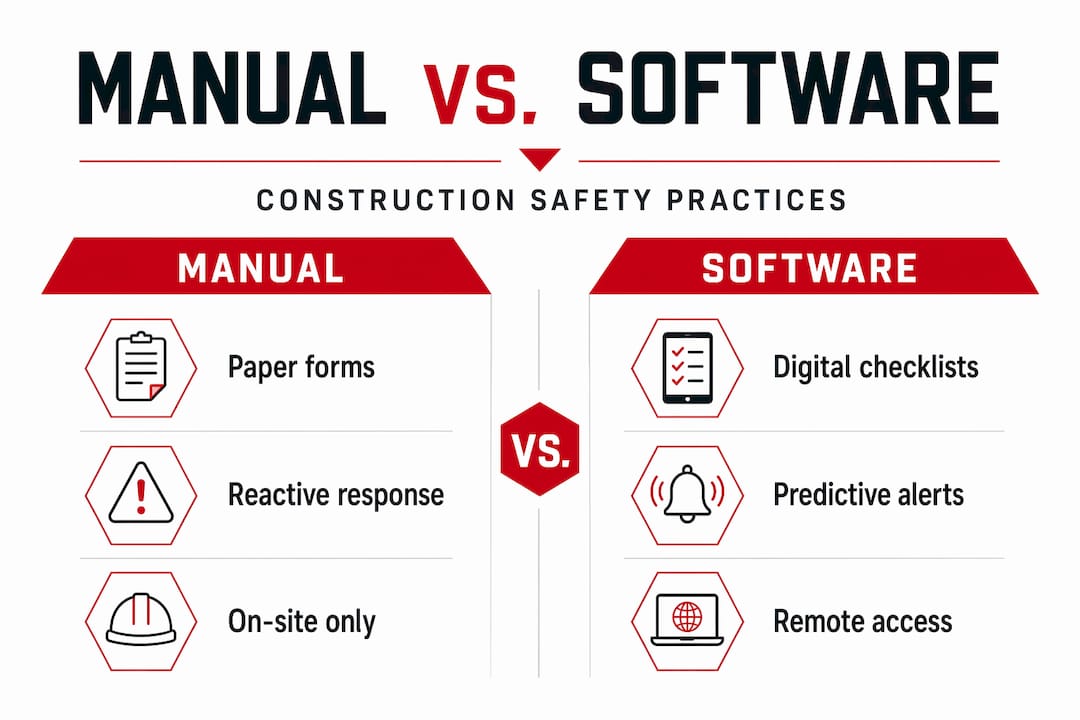
| Capability | Manual approach | Software-enabled approach |
|---|---|---|
| Hazard identification | Post-incident investigation | Predictive alerts from AI and sensor data |
| Inspection records | Paper forms, manual filing | Real-time digital records with geo-tags |
| Training compliance | Spreadsheet tracking | Automated expiry alerts and digital sign-off |
| Emergency exit monitoring | Physical walk-throughs | Continuous BIM-connected monitoring |
Pro Tip: When scoping a digital twin for safety purposes, start with your highest-risk zones rather than trying to model the entire site immediately. A focused twin for confined space or working-at-height areas delivers faster returns and builds internal confidence in the technology.
Choosing the right construction safety platform
Not every site needs a full AI-powered safety ecosystem. Getting the platform decision wrong is expensive in both time and adoption. The question is not which software is the most feature-rich. It is which software matches your site’s complexity, your team’s technical capability, and your regulatory environment.
There are broadly three tiers of construction safety software. Field management tools handle inspections, forms, and basic reporting. They suit smaller sites and contractors who need to move away from paper without a large implementation project. Incident tracking systems go deeper, adding workflow management, investigation tools, and compliance reporting. Full safety management ecosystems include everything above plus AI, digital twin integration, and enterprise-level data analytics.
The factors that should drive your decision:
- Regulatory fit. Software tailored to regional regulations, such as COR certification in Canada or CDM requirements in the UK, materially reduces your compliance risk. Generic platforms often require significant manual configuration to align with local standards.
- Integration with existing tools. Platforms that connect with your existing project management and BIM systems prevent duplication and data silos. If your safety data lives in a separate system from your programme and cost data, you will always be making decisions with incomplete information.
- Field usability. The people using this software every day are not office workers. They are wearing gloves, working in poor light, and moving quickly. If the interface requires more than three taps to submit a near-miss report, your reporting rates will suffer.
- Offline access. As noted earlier, genuine offline functionality is non-negotiable on infrastructure, civil, and remote sites.
For organisations managing contractor business risk across multiple sites, the selection criteria also need to include how the platform handles sub-contractor compliance visibility. A platform that only captures data from your direct employees misses a significant proportion of site risk.
Steps to a successful software rollout
Even the right platform fails when implementation is poor. The most common mistake is treating software adoption as an IT project rather than a safety culture change. Here is how successful rollouts actually work.
- Involve frontline workers from day one. The workers completing forms and submitting reports are the primary users. Get their input on interface design, form length, and reporting workflows before you go live. Software they had a hand in shaping gets used. Software imposed on them does not.
- Standardise your checklists and protocols before digitising them. Digitising inconsistent paper forms produces inconsistent digital forms. Before building your inspection templates, audit what you are currently capturing and align it with your regulatory requirements.
- Integrate software training into your broader safety programme. Do not run a standalone “here is how to use the app” session and call it done. Embed platform usage into your safety induction, toolbox talks, and supervisor training so it becomes a natural part of how safety is managed, not an add-on task.
- Build a cross-functional digital safety team. Your safety manager cannot drive this alone. Bring in your IT lead, a representative from site management, and at least one frontline worker who champions the tool. This group owns ongoing configuration, training, and continuous improvement.
- Use your data. This is where most organisations underperform. The platform generates a wealth of information about inspection completion rates, near-miss patterns, high-risk zones, and training gaps. Build a monthly review cycle that puts this data in front of project leadership and turns it into action.
One of the clearest signs that a rollout is working is an increase in near-miss reporting. Some managers misread that as a worsening safety record. Usually, it means the opposite. It means workers trust the process enough to report what they are seeing. That is a healthier safety culture, not a weaker one.
Another sign of success is speed. Hazards are logged faster, corrective actions are assigned faster, and close-out happens faster. The software itself does not create a safer site unless those loops are shortened. Good implementation is what turns digital capability into fewer injuries.
Pro Tip: Start with one pilot site, measure reporting rates and corrective-action close-out times, then use those results to guide wider deployment. A phased rollout creates proof, surfaces workflow issues early, and avoids overwhelming field teams.
My perspective: the shift that actually matters
The most important change is not that software makes safety administration faster, although it does. It is that software changes the timing of safety decisions. Paper-based systems tell you what happened. Good digital systems tell you what is happening. The best systems tell you what is likely to happen next.
That shift matters because construction risk is dynamic. A site can be safe at 8:00 a.m. and dangerous by 10:30 a.m. after a delivery, a weather change, a subcontractor handoff, or a rushed programme adjustment. Safety management that depends on delayed reporting will always be behind the site. Software closes that gap.
I also think the industry sometimes overstates the value of advanced features while understating the basics. AI is powerful. Digital twins are powerful. But if your crews cannot submit a near-miss in under a minute, or if your supervisors do not trust the data, none of the advanced capability will matter. The fundamentals still win: usability, speed, accountability, and follow-through.
In practice, the best-performing organisations are not necessarily the ones with the flashiest platforms. They are the ones that use software to reinforce a strong safety culture. They make reporting easy. They act on what they learn. They integrate safety data into daily operations rather than reviewing it after the fact. That is where the real reduction in harm comes from.
How Podtech supports construction safety teams
At Podtech, we see construction safety software as part of a broader operational system, not a standalone app. The real value comes when safety data connects cleanly with the rest of the environment: project workflows, site models, field reporting, and decision-making dashboards.
That means building systems that are actually usable in the field, resilient in low-connectivity environments, and flexible enough to reflect how construction teams work in the real world. It also means designing around integration from the start, so safety information does not sit in a silo while project teams make decisions elsewhere.
Whether a team is starting with digital inspections or moving toward more advanced predictive safety workflows, the same principle applies: software should reduce friction, improve visibility, and help people act earlier. If it does not do those things, it is just another layer of admin.
What effective support looks like:
- Field-first design that works for supervisors and crews, not just office users
- Reliable offline workflows for remote and infrastructure-heavy projects
- Integration with BIM and project systems to reduce duplication and improve visibility
- Actionable reporting that turns safety data into operational decisions
FAQ
What is construction safety software used for?
Construction safety software is used for inspections, incident and near-miss reporting, training and certification tracking, compliance management, audit trails, and increasingly for predictive risk monitoring through AI and digital twin integrations.
How does software improve construction safety?
It improves construction safety by reducing reporting friction, creating real-time visibility, standardising inspections, tracking training compliance, and helping teams identify hazards earlier. More advanced systems can also predict risks before they lead to incidents.
Why is offline capability important in construction safety platforms?
Many construction sites have unreliable connectivity. If workers cannot complete and submit forms offline, reporting breaks down exactly where risk may be highest. Full offline submission and later sync are essential for remote, civil, and infrastructure projects.
Are AI and digital twins necessary for every construction site?
No. Smaller or less complex sites may get strong value from digital inspections, incident reporting, and compliance tracking alone. AI and digital twins become more valuable as site complexity, risk exposure, and data volume increase.
What should companies look for when choosing construction safety software?
Focus on regulatory fit, field usability, offline functionality, integration with existing systems, and how well the platform supports subcontractor visibility. The best platform is the one your teams will actually use consistently.